All applications

CalendarIncluded from Starter

Clients book, your calendar fills itself

Publish your availability on your Hob's Space page and receive confirmed appointments, without the back-and-forth by email. Bookings, events and external calendars all sit in a single week view.

Create my account

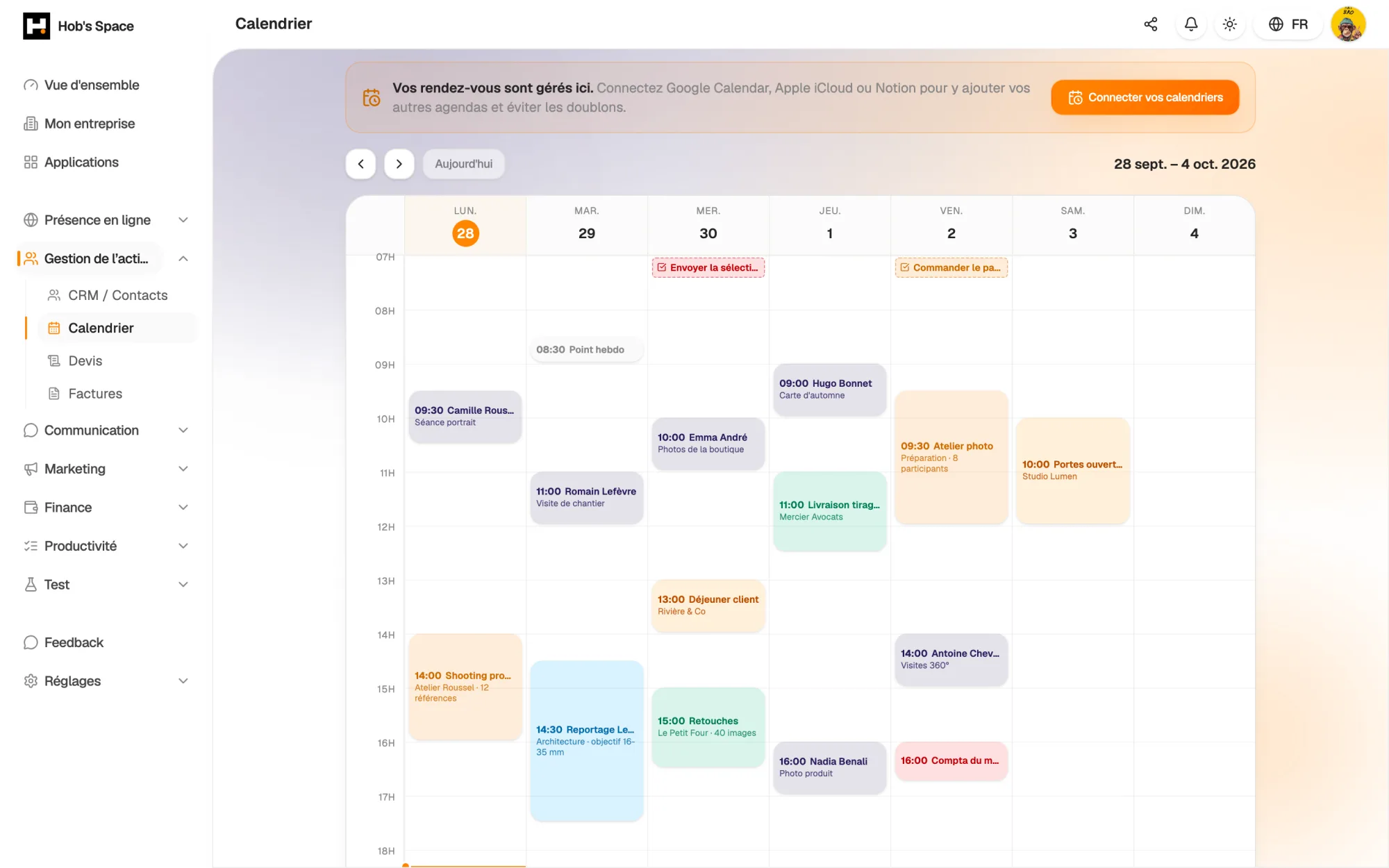
Your week: client appointments, events and connected calendars

Your week: client appointments, events and connected calendars

Booking

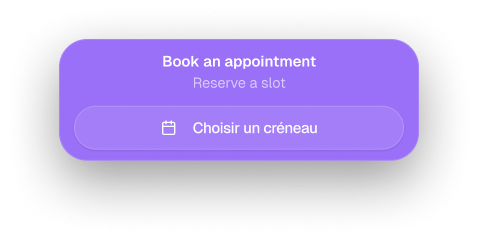
A “Book an appointment” button on your page

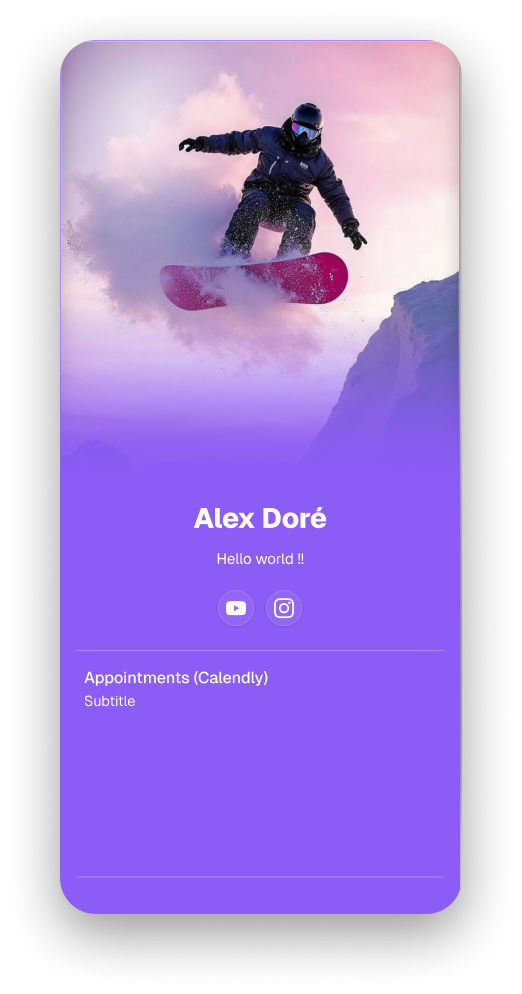
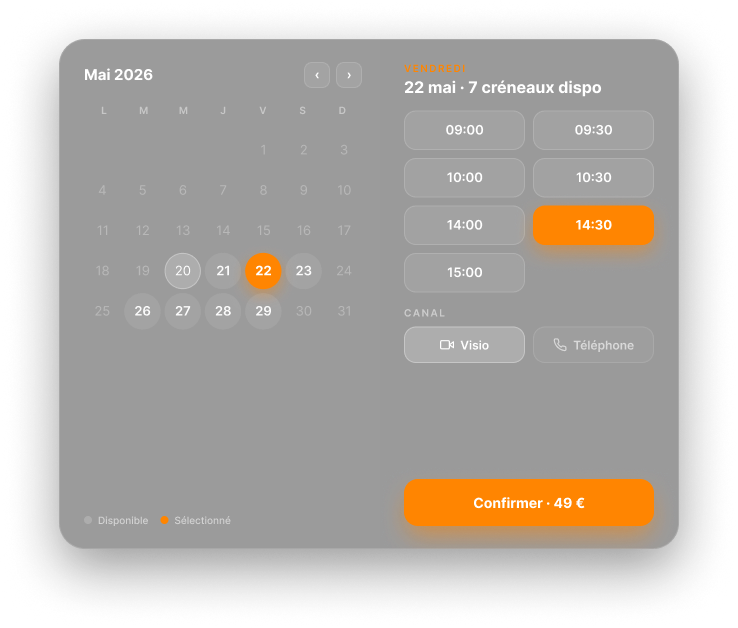
Add the booking block to your Hob's Space page. Visitors pick a day, see the free slots and book with their name and email. The appointment goes straight into your calendar.

No external account is needed: the Hob's Space calendar is enough. If you already use Calendly or another tool, the same block can point to your existing link instead.

  • Free slots calculated in real time
  • Booking with name and email, no account required
  • Hob's Space calendar, Calendly or external link, your choice
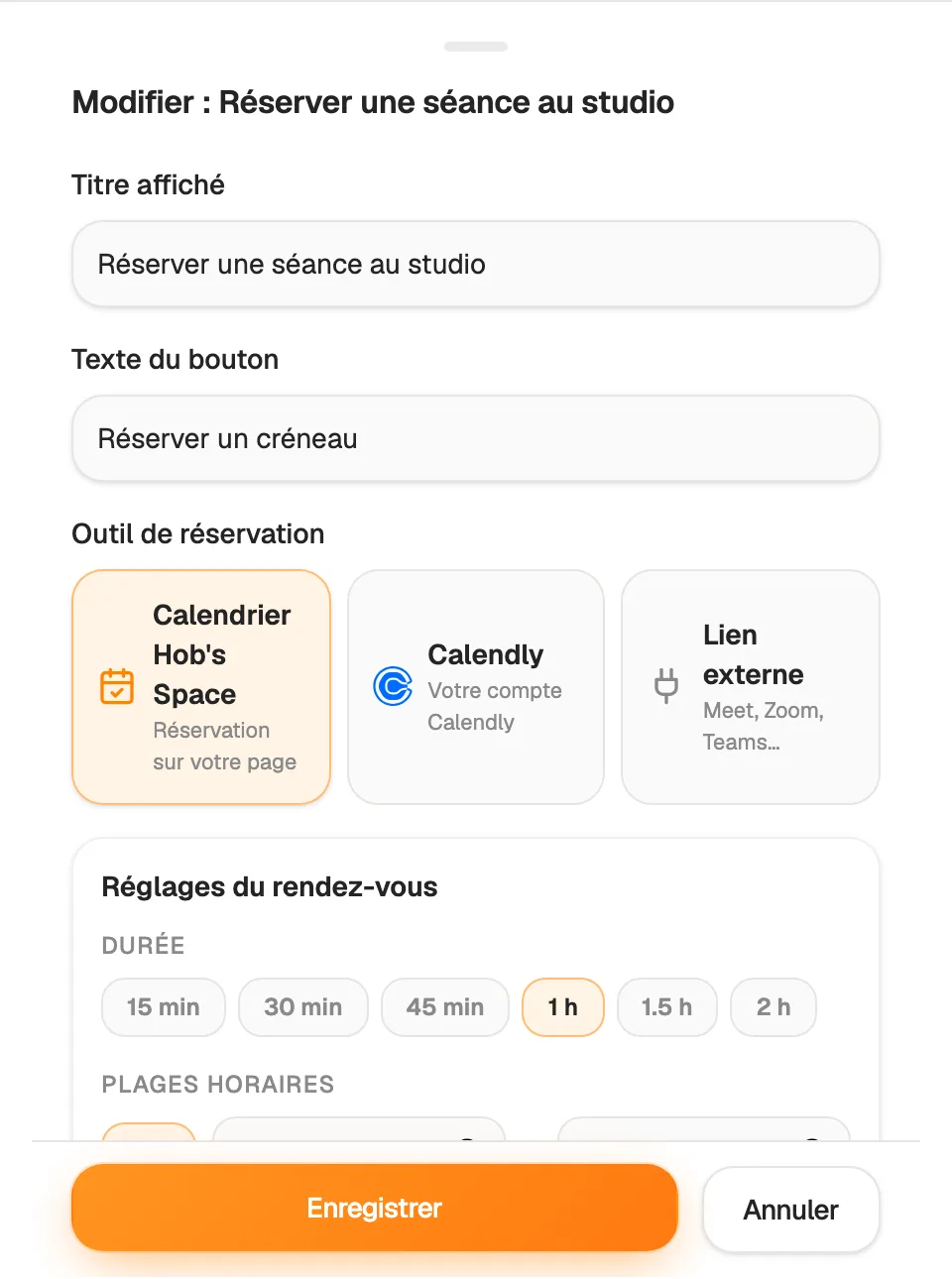
A “Book an appointment” button on your page

Availability

Your hours, your rules

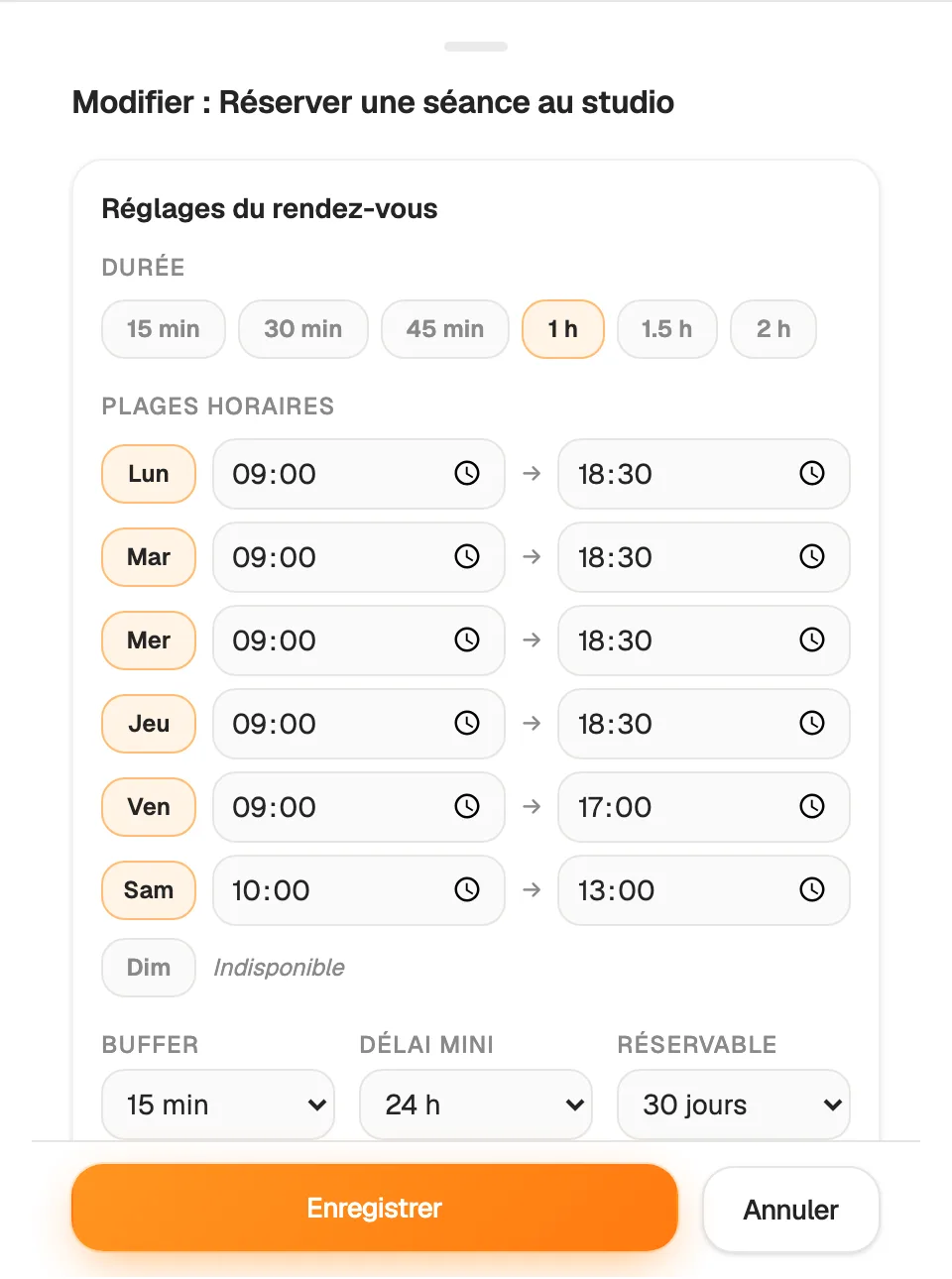
Switch on the days you see clients and set start and end times for each one. Choose how long an appointment lasts, from 15 minutes to 2 hours: the slots on offer adjust straight away.

Add a break between two appointments and a minimum notice period, from 30 minutes to 24 hours. You also decide how far ahead people can book, from one week to two months. No more last-minute bookings.

  • Different hours for each day of the week
  • Buffer time between appointments
  • Minimum notice and booking window
Your hours, your rules

Organisation

Your whole week on one screen

The week view shows client appointments next to your own events, with a line marking the current time. A list view gathers upcoming appointments so you can scan them at a glance.

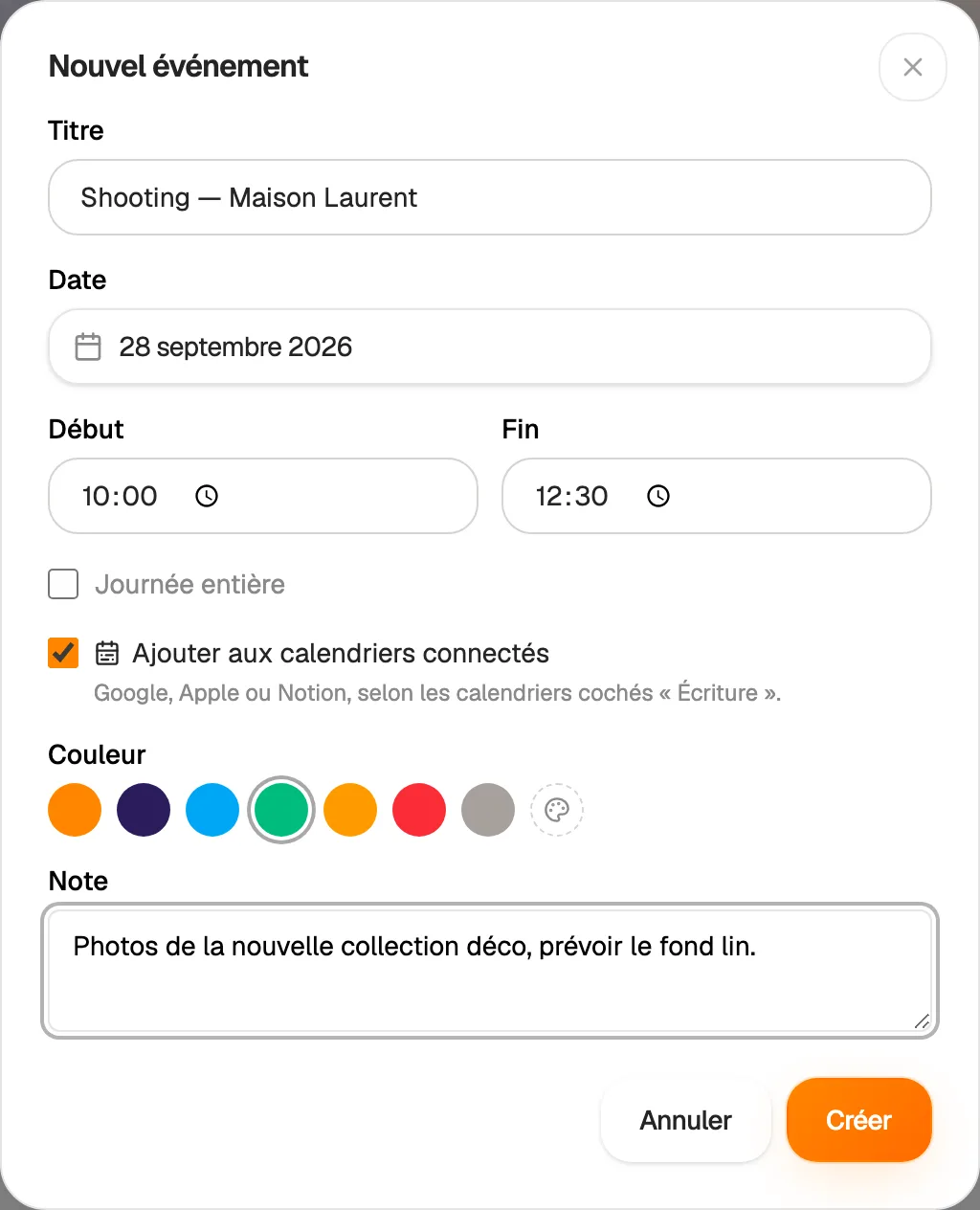
Create an event in seconds and give it a colour, preset or custom. Tasks with a due date also appear in the calendar, so you know what is waiting for you each day.

  • Week view and list view
  • Any colour for each event
  • Tasks with a due date shown on the right day
Your whole week on one screen

Connected calendars

Google, Apple iCloud and Notion in one place

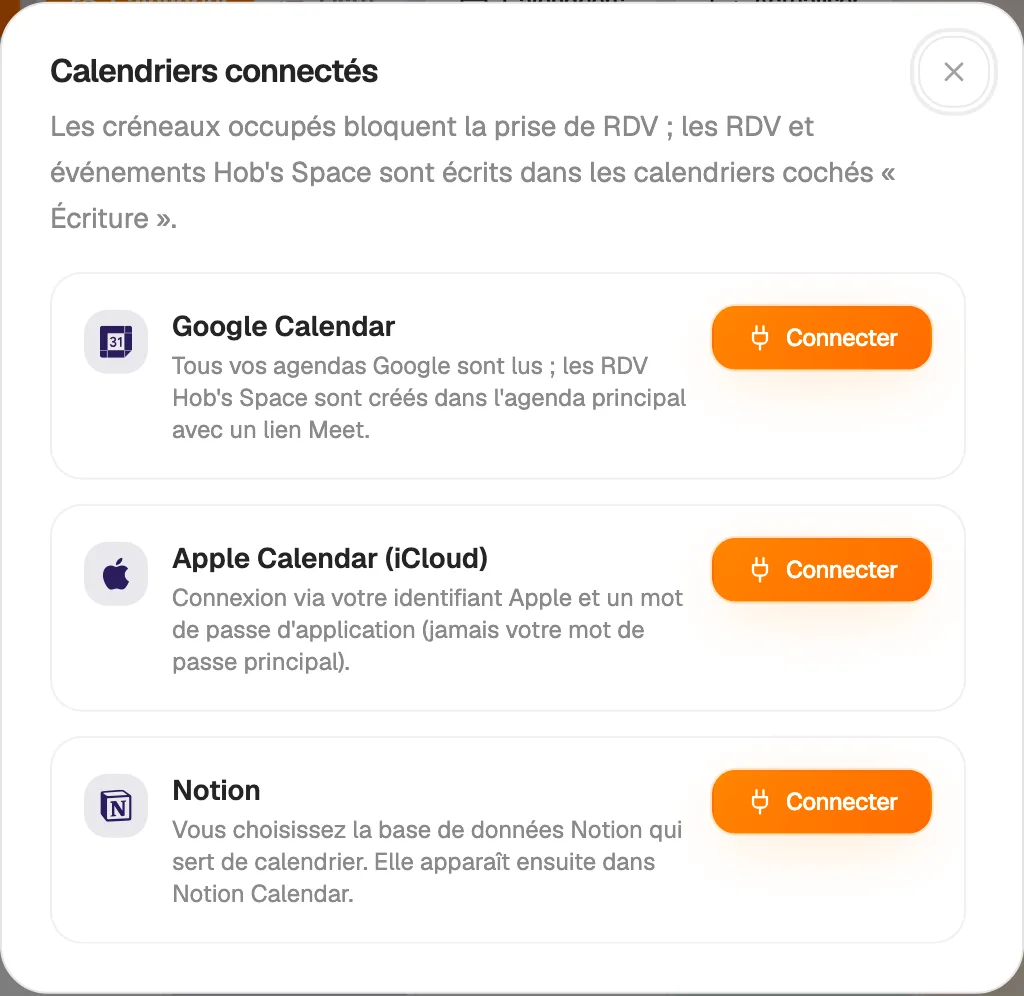
Connect Google Calendar, Apple iCloud or a Notion database. Their events appear in your week and count as busy time: a client cannot book while you have an appointment elsewhere.

For each calendar, choose whether it is shown in Hob's Space and whether it receives your new appointments. iCloud connects with an app-specific password, never your main password. For Notion, you pick the database that acts as your calendar.

  • Read and write settings per calendar
  • Appointments copied to calendars set to write
  • External events taken into account in your slots
Google, Apple iCloud and Notion in one place

Client follow-up

Confirmations, cancellations and rescheduling without you

With every booking, your client receives a confirmation email with the date, the time and, if you have connected Google Calendar, a Google Meet link. You receive a notification in Hob's Space.

The email includes a “Manage my appointment” button. Your client cancels or picks another free slot without writing to you. On your side, you can also cancel or reschedule an appointment directly from your calendar.

  • Confirmation, rescheduling and cancellation emails
  • Personal link to cancel or reschedule
  • Notification in your workspace for every booking

And also…

  • Google Meet link

    With Google Calendar connected, every appointment gets its own video link.

  • Paid appointments

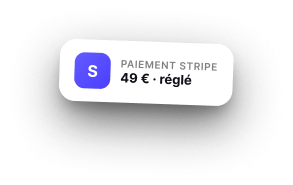
    Sell an appointment or a call from the Store: the slot is booked once payment goes through.

  • Team schedule

    Show your colleagues' schedules next to yours, with one colour per person.

  • Built-in tasks

    Tasks with a due date appear on the right day, next to your appointments.

  • Colours

    Spot your types of events at a glance thanks to colours.

  • Notifications

    An alert in your workspace as soon as a client books a slot.

  • Automations

    Trigger an email, a text message or a tag with every new appointment.

  • Existing link

    Already on Calendly? The booking block can send visitors to your current link.

Works with

The Calendar is linked to your page, your store and your tasks: an appointment booked from your page, a call sold in your store and a task due all end up in the same week.

Frequently asked questions

Get started today.

Create your account and publish your first page in minutes.

Create my account